
Camera Installation · Miami
Security & Doorbell Camera Installation in Miami
We mount, wire, and configure your cameras — then walk you through the app before we leave. Installation only. Nobody sells you monitoring.
Install-only · COI for your building in 24 hours · Ring, Nest, Eufy, Reolink & more
The placement plan
Where cameras earn their keep
Anyone can mount a camera. Knowing where it should point — and where it shouldn't — is the part you're actually hiring. Tap the five spots that cover most South Florida homes.
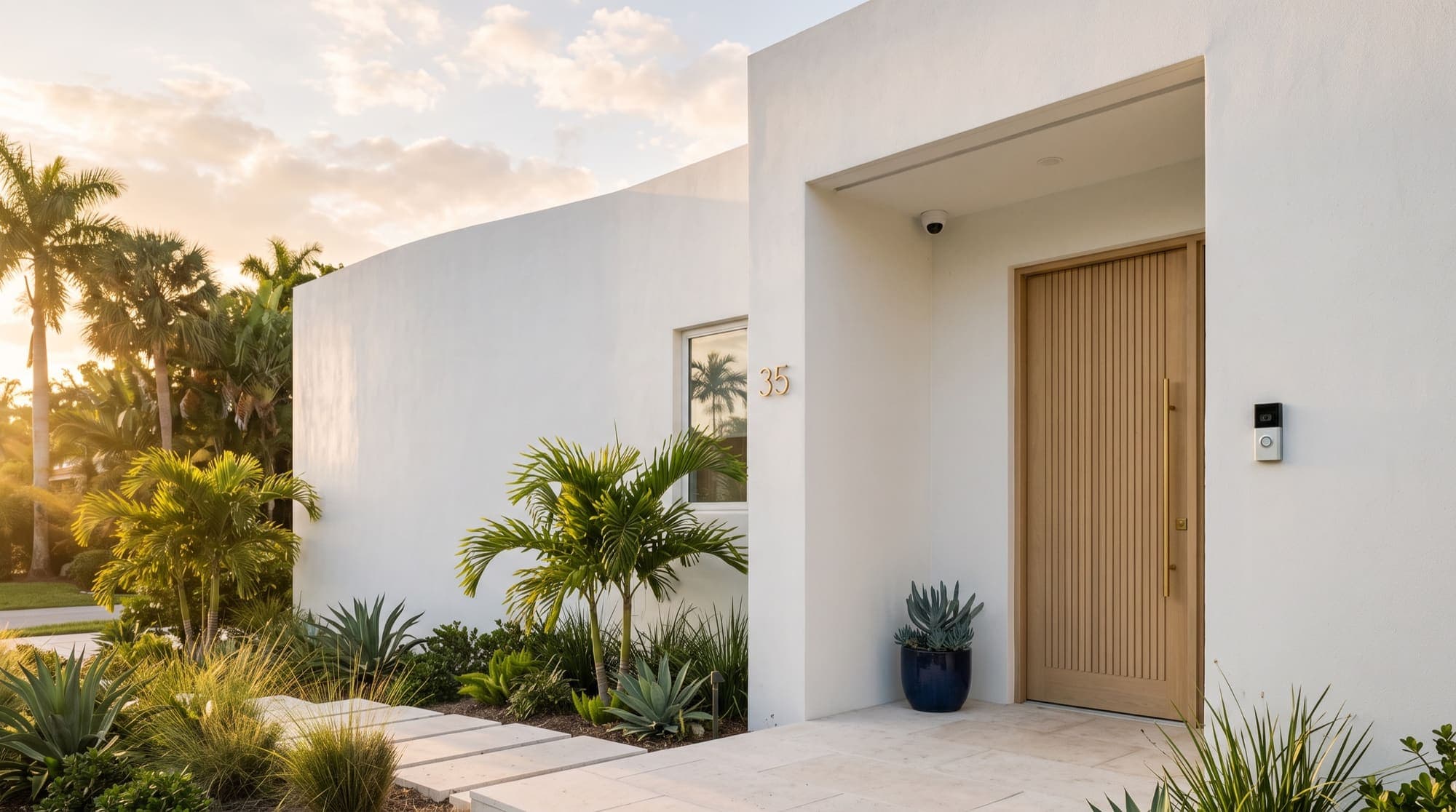
A doorbell cam angled for faces and packages — mounted so the afternoon sun doesn't white out the lens.
Where every install starts
Miami-specific expertise
Built for condos and high-rises
Most Miami condo buildings have strict rules about drilling through exterior walls or shared structures. We work within them — wireless cameras, adhesive mounts, and HOA-compliant placement — so you get coverage without a violation letter.
COI
General liability insurance, with a certificate delivered to your building within 24 hours.
No exterior drilling
Balcony, doorframe, and ceiling placements — no penetrations through exterior CMU walls.
Building logistics
Freight elevator windows and HOA service hours scheduled around, not against.
Choosing a system
Wireless vs. wired cameras
Both are good — they solve different problems. We'll recommend one based on your walls, your building's rules, and how you want recordings stored.
Wireless
Best for condos & renters
- Installation complexity
- Low
- Best for condos
- Yes
- Power
- Battery or plug-in
- Video quality
- Good (1080–4K)
- Renter-friendly
- Yes
- Continuous recording
- Cloud subscription
Wired (PoE)
Best for houses
- Installation complexity
- Medium–High
- Best for condos
- Limited
- Power
- Hardwired (PoE)
- Video quality
- Excellent (4K+)
- Renter-friendly
- No
- Continuous recording
- Local NVR
One visit
Installed and live in one visit
From placement to app walkthrough — you're watching the feeds on your phone before we pack up.
- 01
Confirm placement
Camera spots checked for coverage, sun glare, and your building's rules before any drilling.
- 02
Mount and wire
Anchored to studs or masonry — or adhesive and tension mounts where drilling isn't allowed.
- 03
Connect and configure
Cameras paired to your Wi-Fi, recording settings dialed in, motion zones set.
- 04
App walkthrough
Live feeds on your phone, alerts configured, and questions answered before we leave.
How we work
Fast, flat-rate, and guaranteed
The same answer on every job, whatever the service — how soon we can come, what it costs, and what stands behind the work.
How fast
Same-day or next-day in Miami-Dade; one to three days across Broward and Palm Beach. No travel fees.
How pricing works
A flat rate agreed in writing before we start. The invoice matches the quote — no hourly meter, no surprises.
What's included
Labor, full setup, and complete cleanup. Packaging broken down and hauled out.
Backed by
A 30-day workmanship guarantee, on top of $1M general liability insurance.
Common questions
Camera installation questions
Do you provide monitoring services?
Can you install cameras in a condo or apartment?
Will my building management ask for insurance?
What's the difference between wired and wireless cameras?
Are there renter-friendly options?
How long does installation take?
Coverage you can check from your phone.
Tell us the property and we'll plan the placement with you — installed, configured, and walked through in one visit.